MailShift
Convert email files between EML, MBOX, MSG, VCF, PDF & more -- with full MIME and OLE2 parsing
Launch MailShift →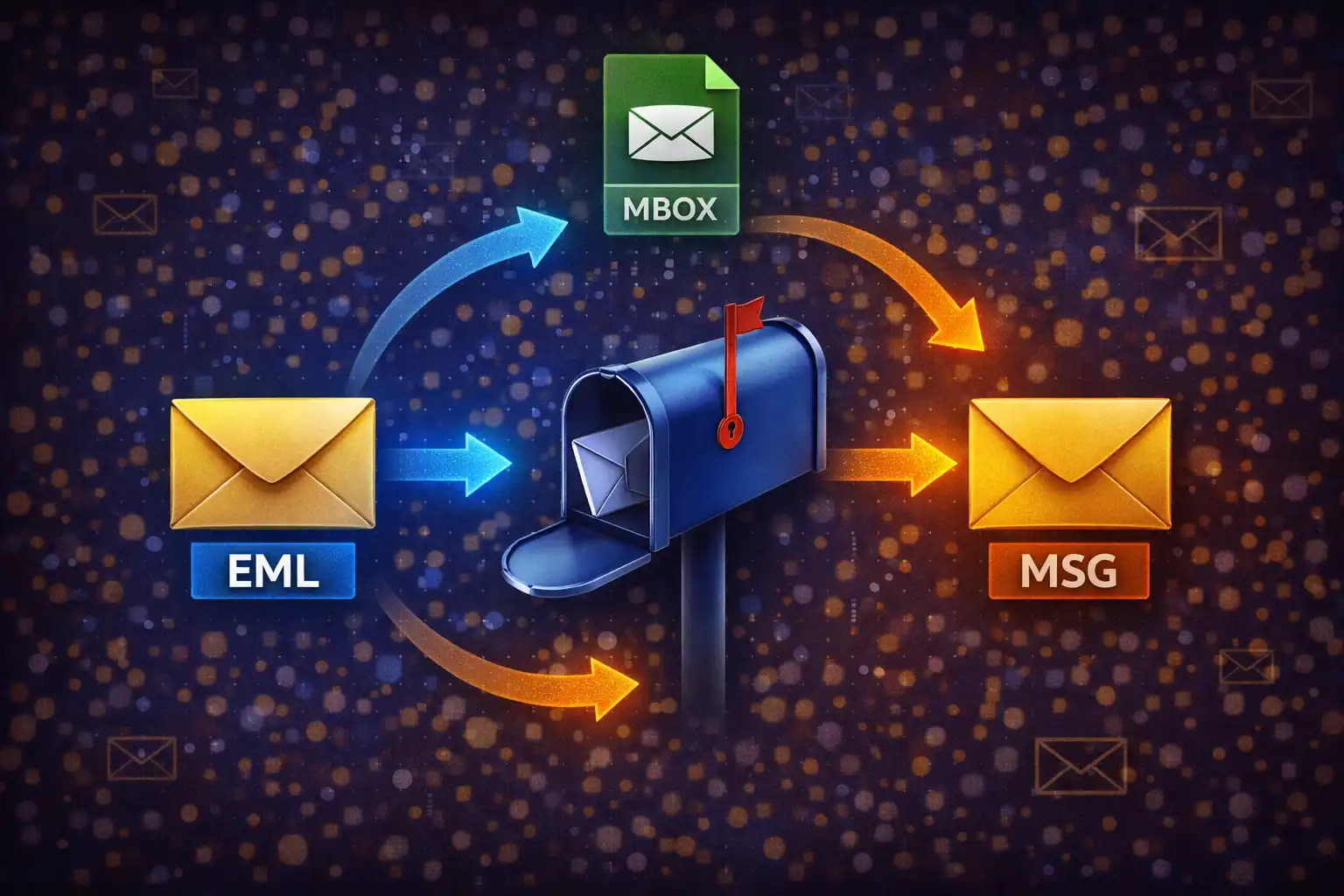
Table of Contents
Overview
MailShift is a browser-based email file converter that handles seven input formats -- EML (RFC 822), MBOX (Unix mailbox), MSG (Microsoft Outlook OLE2), VCF (vCard 3.0), HTML, plain text, and CSV -- and converts them into nine output formats including EML, MBOX, PDF, HTML, TXT, CSV, VCF, and ZIP archives. Every conversion runs entirely in your browser using JavaScript. No email content, headers, attachments, or contact information ever leaves your device.
Under the hood, MailShift implements a full RFC 822 MIME parser capable of handling multipart messages with nested boundaries, base64-encoded attachments, and quoted-printable content. For Microsoft Outlook .msg files, it includes a complete OLE2 Compound Binary File decoder that navigates FAT sector chains and reads UTF-16 LE property streams -- the same binary format used by legacy .doc and .xls files. The vCard parser supports the 3.0 specification with property extraction, line folding, and parameter stripping.
Whether you need to migrate an MBOX archive from Thunderbird into individual EML files, convert Outlook .msg emails to PDF for archival, transform a CSV contact list into vCard format for your phone, or simply preview the contents of an email file without opening an email client, MailShift handles it with zero server dependencies. The tool uses jsPDF 2.5.1 for PDF generation and JSZip 3.10.1 for creating ZIP archives of multi-email MBOX exports.
Key Features
7 Input Formats
Load EML files (RFC 822 MIME standard), MBOX archives (Unix mailbox with multiple emails), MSG files (Microsoft Outlook OLE2 Compound Binary), VCF contacts (vCard 3.0), raw HTML email exports, plain text email dumps, and CSV contact spreadsheets. Format is auto-detected from file extension and content structure.
Full MIME Parser
Parses RFC 2822 headers with continuation-line folding (lines starting with whitespace are joined to the previous header). Detects MIME boundaries via boundary= parameter regex matching. Recursively parses multipart/mixed, multipart/alternative, and multipart/related structures. Decodes base64 content (via atob() with whitespace stripping) and quoted-printable encoding (=XX hex pairs and =\r?\n soft line break removal). Extracts attachments from Content-Disposition: attachment parts with filename detection from both the disposition header and Content-Type name= parameter.
OLE2 MSG Decoder
Decodes Microsoft Compound Binary Files by validating the D0CF11E0A1B11AE1 magic number, reading the 512-byte header to extract sector size (offset 30), FAT sector count (offset 44), first directory sector (offset 48), and first mini-FAT sector (offset 60). Navigates FAT and DIFAT chains for files exceeding 109 FAT sectors. Reads 128-byte directory entries with UTF-16 LE encoded names. Extracts property streams using the __substg1.0_XXXXZZZZ naming convention -- property IDs include 0037 (Subject), 1000 (Body), 1035 (HTML Body), 0C1A (Sender Name), 0065 (Sender Email), 0E04 (Display To), 0E06 (Date), and 0E03 (CC). Handles type 001F (UTF-16 LE), 001E (ASCII), and 0102 (Binary/UTF-8) encodings.
vCard 3.0 Parser
Splits VCF files on BEGIN:VCARD markers and removes RFC-mandated line folding (CRLF followed by whitespace collapses into a single space). Extracts FN (formatted name), N (structured name with semicolon-delimited components), EMAIL, TEL, ORG, TITLE, ADR (address with semicolons converted to commas), URL, and NOTE properties. Strips type parameters like EMAIL;TYPE=INTERNET to isolate the raw value. Supports auto-detection of CSV columns containing name, email, phone, and organization data for CSV-to-VCF conversion.
MBOX Multi-Email Splitter
Splits Unix MBOX archives on the /^From /m regex pattern -- the "From " envelope line that begins each message (distinct from the "From:" header field). Each segment is parsed as an individual EML via the full MIME parser. Processing is error-tolerant: a try-catch wrapper around each message means malformed entries are silently skipped while valid messages continue to parse. ZIP export packages each email as a numbered file (001_subject.eml, 002_subject.eml) via JSZip.
PDF Email Export
Renders email content as a clean PDF document using jsPDF 2.5.1. The output includes the email subject as a bold 16-point title, a metadata block with From, To, Date, and CC fields, the message body in 11-point text, and a listing of any attachments detected in the original email. Ideal for archiving important emails, creating legal records, or sharing email content outside of an email client.
CSV ↔ VCF Round-Trip
Converts between CSV spreadsheets and vCard 3.0 contact files in both directions. CSV-to-VCF auto-detects column types by scanning header names for patterns like "name", "email", "phone", and "org", then generates valid vCard entries with BEGIN:VCARD, VERSION:3.0, FN, EMAIL, TEL, ORG, and END:VCARD blocks. VCF-to-CSV extracts all contact properties into columns: Name, Email, Phone, Organization, Title, Address, URL, and Note. CSV output follows RFC 4180 escaping rules for proper spreadsheet compatibility.
Email Preview
Read and inspect email contents before converting. EML files display From, To, Subject, Date, CC headers plus the first 1,500 characters of the body and an attachment list. MBOX archives show the total message count and the first 5 messages with subject, sender, and date. MSG files reveal all parsed headers and the first 1,000 characters of body text. VCF files list the contact count and the first 10 contacts with email and phone details. CSV, HTML, and TXT files preview the first 10 lines or 2,000 characters.
How to Use
- Open MailShift - Launch the converter in your browser and drag-and-drop your email file onto the upload area. Supported input formats are EML, MBOX, MSG, VCF, CSV, HTML, and TXT. You can also click the upload area to browse your file system. No installation, no account, no sign-up required.
- Verify Auto-Detection - MailShift auto-detects the file format from its extension and internal structure. Click "Show Preview" to read the email content and confirm the file was parsed correctly. For EML files, you will see headers (From, To, Subject, Date, CC), a body excerpt, and any detected attachments.
- Preview MBOX Archives - For MBOX files containing multiple emails, the preview displays the total message count along with the first 5 subjects and senders. This lets you verify the archive contents before committing to a potentially large conversion. Each message in the MBOX is split on the
/^From /menvelope separator and parsed individually. - Select Output Format - Choose your desired output format from the dropdown menu. Only valid conversion paths are shown -- for example, VCF input offers CSV output and vice versa, while EML input offers MBOX, PDF, HTML, TXT, and CSV. The interface prevents invalid format combinations.
- Convert - Click the "Convert" button to begin processing. For MBOX-to-ZIP conversions, each email in the archive is packaged as an individual .eml file (named 001_subject.eml, 002_subject.eml, and so on) inside a single ZIP archive created with JSZip 3.10.1. Single-file conversions complete instantly.
- Download Your File - The converted file downloads automatically to your default download location. Choose PDF for long-term archiving and legal records, CSV for data analysis in spreadsheets, VCF for importing contacts into your phone or address book, and ZIP for bulk email migration between clients.
- MSG Files Without Outlook - For Microsoft .msg files, MailShift decodes the OLE2 Compound Binary structure entirely in your browser. It reads the FAT sector chain, navigates the directory tree, and extracts property streams to recover the subject, sender, recipients, date, and body -- all without Microsoft Outlook or any desktop software installed.
Frequently Asked Questions
boundary= parameter in the Content-Type header using the regex /boundary\s*=\s*"?([^";\s]+)"?/i. For multipart messages, the parser recursively processes each part separated by the boundary string. Content-Transfer-Encoding is handled for each part: base64 content is decoded via atob() after stripping whitespace, quoted-printable content has =XX hex sequences converted to characters and =\r?\n soft line breaks removed, while 7bit and 8bit content passes through directly. The result is a structured object containing headers, textBody, htmlBody, an attachments array, and the raw message source.__substg1.0_XXXXZZZZ naming convention where XXXX is the property ID and ZZZZ is the type code. Parsing it requires reading the 8-byte magic number (D0CF11E0A1B11AE1), constructing the FAT from sector offsets in the header, walking the directory tree to find property entries, and then decoding values based on their type (001F for UTF-16 LE strings, 001E for ASCII, 0102 for binary). MailShift handles all of this in JavaScript without any server-side processing./^From /m regex to identify message boundaries -- each email in an MBOX archive starts with an envelope line like "From sender@email.com Sun Jan 1 00:00:00 2023". After splitting, each segment is passed through the full EML parser individually. A try-catch block wraps each message, so if one email in the archive is malformed or corrupted, it is silently skipped and the remaining messages continue to parse normally. For bulk export, the MBOX-to-ZIP conversion creates a ZIP archive with individually named .eml files, making it easy to import into other email clients or archive systems.Content-Disposition: attachment headers and Content-Type name= parameters. Attachment information is displayed in the preview and listed in PDF exports. For MBOX-to-ZIP conversions, each email is exported as a complete .eml file with its attachments intact in the MIME structure, so the recipient can open them in any email client. Direct binary attachment download as separate files is available in ZIP export mode.BEGIN:VCARD markers to isolate individual contacts. For each contact, it removes line folding (CRLF followed by whitespace collapsed into a single space, per the vCard specification) and then extracts properties: FN (formatted name), N (structured name), EMAIL, TEL, ORG, TITLE, ADR (address with semicolons converted to readable comma-separated format), URL, and NOTE. Type parameters like EMAIL;TYPE=INTERNET;TYPE=HOME are stripped to isolate the raw value. The output CSV has columns for Name, Email, Phone, Organization, Title, Address, URL, and Note, formatted with RFC 4180 escaping (double quotes around fields containing commas, newlines, or quotes, with internal quotes doubled).BEGIN:VCARD, VERSION:3.0, the appropriate property lines, and END:VCARD. The resulting .vcf file can be imported directly into your phone's contacts app, Google Contacts, Apple Contacts, or any address book that supports vCard 3.0.=XX where XX is the two-digit uppercase hexadecimal value of the byte. For example, the é character (Latin small e with acute, byte value C3 A9 in UTF-8) becomes =C3=A9. Soft line breaks -- where a long line is wrapped for the 76-character line length limit -- are represented as an equals sign at the end of a line (=\r\n or =\n), which the decoder removes to reconstruct the original unbroken text. MailShift's parser handles both the hex decoding and soft line break removal during EML and MSG processing.Privacy & Security
Email files contain some of the most sensitive data imaginable -- passwords sent in plain text, financial statements from banks, medical records from healthcare providers, legal documents from attorneys, tax returns, personal conversations, and confidential business communications. MailShift processes everything in your browser using JavaScript-based MIME, OLE2, and vCard parsers. The RFC 822 MIME parser decodes your message headers, body content, and attachments locally. The OLE2 Compound Binary decoder navigates FAT sector chains and reads property streams from .msg files without any external service. The vCard parser extracts contact details from .vcf files entirely in memory. No email content, no headers, no attachments, no contact information, and no file metadata is ever transmitted to any server. Your inbox stays private.
Ready to try MailShift? It's free, private, and runs entirely in your browser.
Launch MailShift →Related

Last Updated: March 26, 2026