CodeForge
Convert between 19 data formats — JSON, XML, CSV, YAML, Markdown, SQL and more
Launch CodeForge →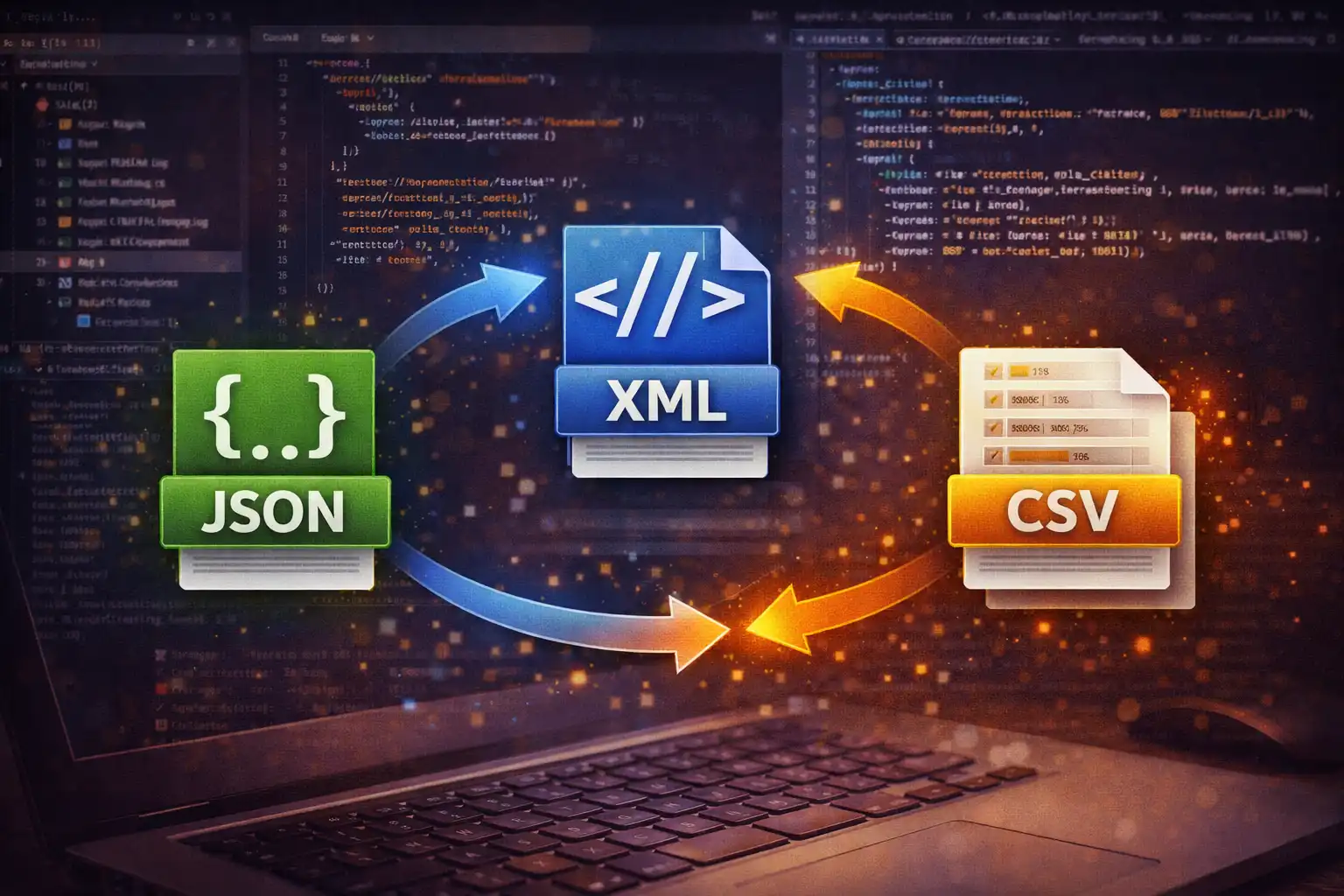
Table of Contents
Overview
CodeForge is a universal code and data format converter that supports 19 distinct formats and over 100 conversion paths between them. Whether you need to transform JSON into XML for an API integration, convert a CSV spreadsheet into SQL INSERT statements for a database import, encode plain text into Base64 or Morse code, or round-trip Markdown to HTML and back, CodeForge handles it all in a single unified interface. Every conversion runs entirely in your browser -- your data never leaves your device.
The converter supports six categories of formats: Structured Data (JSON, XML, CSV, TSV, YAML, TOML), Markup (Markdown, HTML), Database (SQL INSERT), Text (Plain Text), Encoding (Base64, URL Encoded, HTML Entities, Hexadecimal, Binary, Octal, ASCII Codes, Morse Code), and Optimization (JSON Minified). Each format category connects to the others through carefully implemented conversion logic, creating a comprehensive web of interoperability.
Under the hood, CodeForge leverages four battle-tested CDN libraries for maximum accuracy: js-yaml 4.1.0 for YAML parsing and serialization, marked 12.0.1 for converting Markdown to HTML with full CommonMark and GitHub Flavored Markdown (GFM) support, PapaParse 5.4.1 for RFC 4180-compliant CSV and TSV parsing with proper handling of quoted fields and escaped quotes, and Turndown 7.1.3 for converting HTML back to clean Markdown. Beyond these libraries, CodeForge includes custom parsers for TOML, SQL INSERT statements, Morse code, and all encoding formats, all implemented in pure JavaScript.
The interface features a dual-panel layout with input on the left and output on the right, source and target format dropdowns, a file upload area with drag-and-drop that auto-detects format from 12 file extensions (.json, .xml, .csv, .tsv, .yaml, .yml, .md, .html, .htm, .txt, .sql, .toml), a swap button for reversing conversion direction, and a status bar that displays conversion timing measured via performance.now() along with color-coded status dots for success, warning, and error states.
Key Features
19 Data Formats
JSON, XML, CSV, TSV, YAML, TOML, Markdown, HTML, SQL INSERT, Plain Text, Base64, URL Encoded, HTML Entities, Hexadecimal, Binary, Octal, ASCII Codes, Morse Code, and JSON Minified -- covering structured data, markup, database, text, encoding, and optimization categories.
100+ Conversion Paths
Every supported format connects to multiple others via direct or intermediate conversion. Structured data formats interchange freely (JSON, XML, CSV, TSV, YAML, TOML), markup round-trips between Markdown and HTML, encoding formats convert to and from plain text, and database formats bridge JSON/CSV to SQL INSERT.
4 Parsing Libraries
js-yaml 4.1.0 for YAML parsing and serialization, marked 12.0.1 for Markdown-to-HTML conversion with GFM support, PapaParse 5.4.1 for RFC 4180-compliant CSV/TSV parsing with quoted fields and escaped quotes, and Turndown 7.1.3 for HTML-to-Markdown round-trips.
SQL INSERT Generation
Convert JSON arrays or CSV data into executable SQL INSERT statements with proper NULL handling and single-quote escaping. The reverse path parses SQL INSERT statements back into structured data using regex extraction of column names and row values.
Custom TOML Parser
A line-by-line TOML parser that handles section headers with dot-separated nesting (e.g., [server.database]), key-value pairs with type inference for strings, integers, floats, booleans, and inline arrays. No external TOML library required.
Smart XML Parsing
Uses the browser's native DOMParser for reliable XML parsing. Preserves XML attributes with the @ prefix convention, handles #text nodes for mixed content, and automatically creates arrays when duplicate child element names are encountered.
File Upload & Auto-Detection
Drag-and-drop files or use the file browser to upload data. CodeForge auto-detects the input format from 12 file extensions: .json, .xml, .csv, .tsv, .yaml, .yml, .md, .html, .htm, .txt, .sql, and .toml.
Swap & Performance
Bidirectional swap button that validates whether the reverse conversion path exists before swapping source and target formats. Conversion timing is measured with performance.now() and displayed in the status bar alongside byte size comparison of input and output.
How to Use
- Open CodeForge and Select Your Input Format - Launch CodeForge and choose your source format from the input dropdown menu. You can select from all 19 supported formats. Alternatively, upload a file and the format will be auto-detected from its extension -- for example, uploading
data.yamlautomatically sets the input format to YAML. - Select Your Desired Output Format - Choose the target format from the output dropdown. Only formats that have a valid conversion path from your selected input format are shown as available options. For instance, if your input is JSON, you can convert to XML, CSV, TSV, YAML, TOML, SQL INSERT, JSON Minified, Base64, and more.
- Paste Your Data or Upload a File - Type or paste your source data into the input panel on the left side. You can also drag-and-drop a file directly onto the input area. The file contents are read locally using the FileReader API -- nothing is uploaded to any server.
- Click the Convert Button - Press the Convert button to execute the transformation. The converted output appears instantly in the output panel on the right. The status bar at the bottom displays a green dot for success along with the conversion time in milliseconds, measured using
performance.now()for precision. - Use Swap to Reverse Direction - Click the Swap button (the bidirectional arrow between the dropdowns) to reverse the conversion direction. CodeForge validates that the reverse path exists before swapping. If the reverse conversion is not supported, you will see an error toast notification explaining why.
- Copy or Download the Output - Use the Copy button to send the converted output to your clipboard, or use the Download button to save it as a file with the correct extension for the target format (e.g.,
.xmlfor XML output,.csvfor CSV output). - Check the Status Bar - The status bar at the bottom of the interface shows the conversion result with a color-coded dot (green for success, yellow for warnings, red for errors), the conversion time in milliseconds, and a byte size comparison between the input and output data so you can see how the transformation affected data size.
Frequently Asked Questions
<root> element to ensure well-formed XML. Nested objects translate directly into nested XML elements, preserving the full depth of the data structure. Primitive values (strings, numbers, booleans, null) become text content within their parent element.""), fields containing commas, fields containing newlines, and automatic header row detection. PapaParse also handles edge cases like trailing commas, empty fields, and inconsistent column counts. For TSV (Tab-Separated Values), the same parsing engine is used with tab as the delimiter instead of comma.[database] or nested sections like [server.production]), key-value pairs separated by =, and comments starting with #. It performs automatic type inference on values: double-quoted strings, integers, floating-point numbers, booleans (true/false), and inline arrays enclosed in square brackets. Nested section headers are expanded into nested object structures in the resulting data.{"user": {"address": {"city": "Mumbai"}}} becomes a CSV column header user.address.city with the value Mumbai. This approach preserves the hierarchical relationship in the column names while producing a valid flat CSV structure. Arrays within objects are similarly flattened. The resulting CSV can be opened in any spreadsheet application and retains all the data from the original nested JSON structure.INSERT INTO table_name (columns) VALUES (values); statement. The converter handles NULL values correctly (outputting NULL without quotes), escapes single quotes within string values by doubling them, wraps string values in single quotes, and leaves numeric values unquoted. Column names are derived from JSON object keys or CSV headers. The reverse path also works -- you can parse SQL INSERT statements back into JSON or CSV using regex-based extraction of column names and row values, including handling of escaped quotes and NULL literals..json, .xml, .csv, .tsv, .yaml, .yml, .md, .html, .htm, .txt, .sql, and .toml. Once the file is loaded and the format is detected, the source format dropdown is automatically updated to match, and you can proceed to select your target format and convert.Privacy & Security
All 19 format conversions in CodeForge run entirely in your browser. The four parsing libraries -- js-yaml 4.1.0 for YAML, marked 12.0.1 for Markdown-to-HTML, PapaParse 5.4.1 for CSV/TSV with RFC 4180 compliance, and Turndown 7.1.3 for HTML-to-Markdown -- are loaded once and execute locally. Custom parsers for TOML, SQL INSERT, Morse code, and all encoding formats (Base64, Hexadecimal, Binary, Octal, ASCII Codes, URL Encoded, HTML Entities) are implemented in pure client-side JavaScript. No data is transmitted to any server. Your code, configuration files, database exports, spreadsheets, and any other data you convert never leave your device. You are in complete control of your data at all times.
Ready to convert your data? CodeForge is free, private, and runs entirely in your browser.
Launch CodeForge →Related

Last Updated: March 26, 2026