Encode / Decode
10 text encodings, file-to-Base64, JWT decoder, and 5 hash algorithms — all in your browser
Launch Encode / Decode →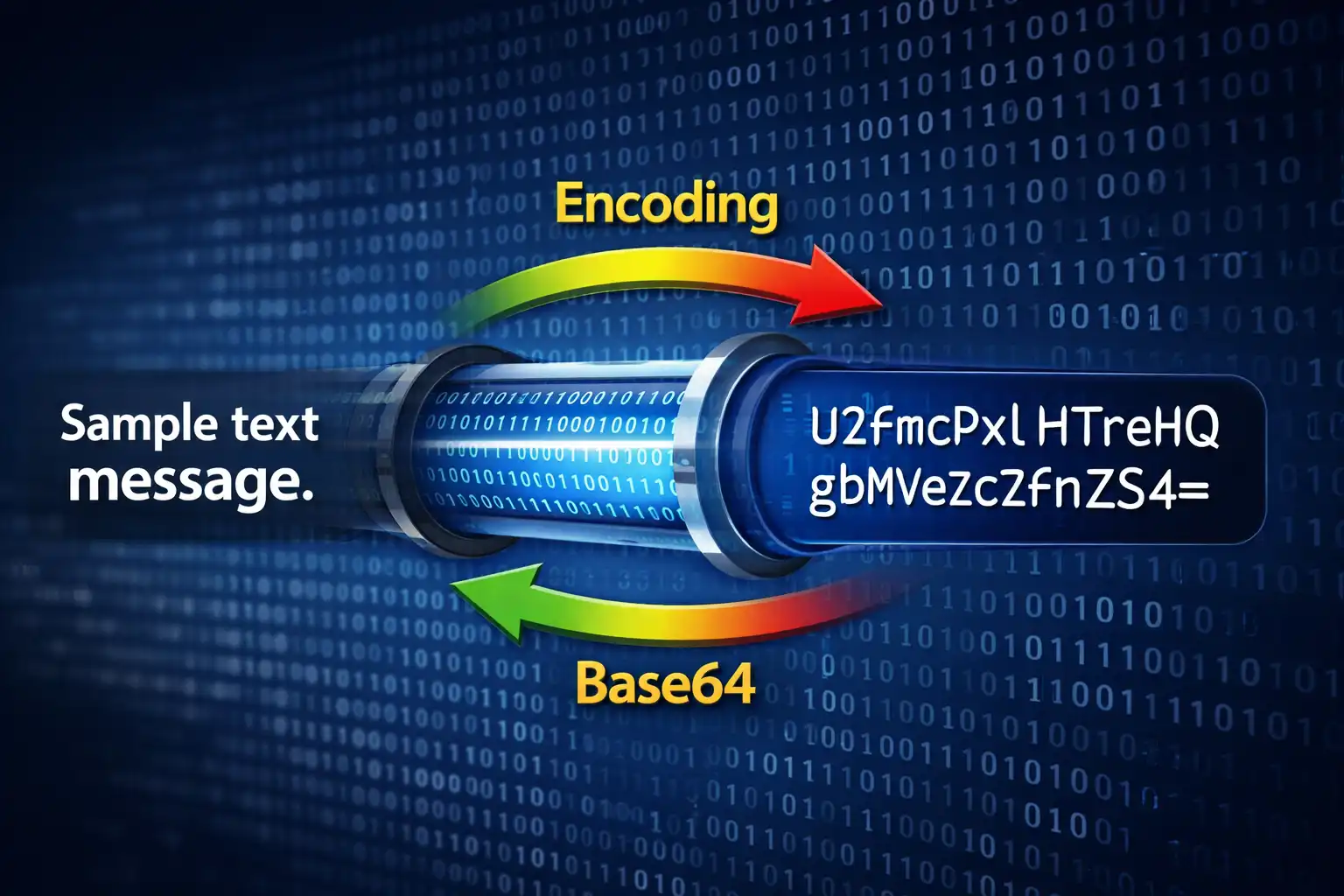
Table of Contents
Overview
Encode / Decode is a universal encoding toolkit that brings together four powerful conversion categories under a single interface: 10 text encoding formats, file-to-Base64 conversion, JWT token inspection, and cryptographic hash generation. Every operation runs entirely in your browser using native JavaScript APIs and the Web Crypto API — no data is ever sent to a server.
The tool is organized into four tabs, each targeting a distinct use case. The Text Encodings tab handles conversion between 10 different formats including Base64, URL encoding, HTML entities, hexadecimal, binary, Unicode escapes, ROT13, Punycode (for international domain names), ASCII85, and Morse code. The File↔Base64 tab converts any file into Base64 with six output format options — raw Base64, data URI, CSS background, HTML <img> tag, Markdown image, and JSON object — plus reverse decoding from Base64 back to a downloadable file. The JWT Decoder tab parses JSON Web Tokens into their three components (header, payload, and signature) with automatic expiry detection. The Hash Generator tab computes five hash algorithms simultaneously: MD5, SHA-1, SHA-256, SHA-384, and SHA-512.
Under the hood, text encoding relies on browser-native functions like btoa() and atob() for Base64 (with UTF-8 awareness via the btoa(unescape(encodeURIComponent())) pattern), encodeURIComponent() for URL encoding following RFC 3986, the TextEncoder API for UTF-8 byte manipulation in hex and binary modes, and the URL() constructor for Punycode/IDN processing. Hash generation uses the asynchronous crypto.subtle.digest() method from the Web Crypto API for SHA-family algorithms, with a custom pure-JavaScript implementation for MD5. The entire application is built with DM Sans for UI text and JetBrains Mono for code output, and supports both dark and light themes stored under the enc-theme localStorage key.
Key Features
10 Text Encodings
Convert between Base64, URL encoding, HTML entities, hexadecimal, binary, Unicode escapes, ROT13, Punycode (IDN), ASCII85/Base85, and Morse code. Each format handles full UTF-8 text with proper encoding awareness and padding.
File↔Base64
Convert any file to Base64 with six output formats: raw Base64 string, data URI with MIME type, CSS background-image rule, HTML <img> tag, Markdown image syntax, and JSON object. Reverse-decode Base64 back to a downloadable file with automatic extension detection.
JWT Decoder
Paste any JSON Web Token to instantly inspect its header (algorithm, type), payload (claims, subject, issuer), and signature. Automatic expiry detection displays a clear ⚠️ EXPIRED warning with the original issued-at timestamp for quick token validation.
5 Hash Algorithms
Generate MD5, SHA-1, SHA-256, SHA-384, and SHA-512 hashes simultaneously from any text input. SHA-family hashes use the asynchronous crypto.subtle.digest() Web Crypto API, while MD5 uses a custom client-side implementation. Each hash has its own copy button.
Bidirectional Conversion
The Swap button does double duty: it exchanges the text in the input and output fields and toggles the conversion direction between encode and decode. This makes round-trip testing instant — encode text, swap, and verify the decode matches the original.
Keyboard Shortcuts
Press Ctrl+Enter to trigger conversion without reaching for the mouse. Combined with the swap button and tab navigation, power users can encode, decode, and hash text entirely from the keyboard with instant real-time feedback.
Multiple Output Modes
Copy results to clipboard with a single click (with fallback for older browsers), download output as a .txt file, and monitor live character counts on both input and output areas. The encoding ratio display shows the size expansion factor for each format.
Privacy-First Architecture
Zero server contact for any operation. All 10 text encodings, file conversions, JWT parsing, and hash computations run exclusively in your browser. No text, files, tokens, or hashes are ever transmitted, logged, or stored remotely.
How to Use
- Open the tool and select a tab — Launch Encode / Decode and choose one of the four tabs at the top: Text Encodings for format conversions, File↔Base64 for file encoding, JWT Decoder for token inspection, or Hash Generator for cryptographic hashing.
- Choose your encoding formats — In the Text Encodings tab, select the input format and the desired output format from the dropdown menus. Options include Base64, URL Encoding, HTML Entities, Hexadecimal, Binary, Unicode Escapes, ROT13, Punycode, ASCII85, and Morse Code.
- Enter your input — Type or paste text into the input area for text encoding, drag-and-drop or upload a file for File↔Base64, paste a JWT string for the decoder, or enter text for hash generation. The live character count updates as you type.
- Click Convert or press Ctrl+Enter — The result appears instantly in the output area. For text encodings, you see the converted string. For files, you get the Base64 output in your chosen format. For JWTs, the header, payload, and signature are displayed separately. For hashes, all five algorithms generate in parallel.
- Use Swap to reverse direction — Click the Swap button between input and output to exchange the text in both fields and toggle the conversion direction from encode to decode (or vice versa). This lets you instantly verify round-trip conversions.
- Copy or download the output — Click the Copy button to copy the result to your clipboard, or click Download to save the output as a
.txtfile. The clipboard function includes a fallback mechanism for browsers that do not support the modern Clipboard API. - Generate hashes with individual copy — In the Hash Generator tab, all five algorithms (MD5, SHA-1, SHA-256, SHA-384, SHA-512) compute simultaneously when you click Generate. Each hash value has its own dedicated copy button, so you can grab exactly the algorithm you need.
Frequently Asked Questions
= padding. It is commonly used to embed binary content in text-only contexts: email attachments (MIME), data URIs in HTML and CSS, storing binary data in JSON or XML, and transmitting files through APIs. The trade-off is a 33% size increase — every 3 bytes of input become 4 Base64 characters. The tool uses the UTF-8-aware pattern btoa(unescape(encodeURIComponent(text))) to correctly handle multi-byte characters like emojis and accented letters.<~ and ~> delimiters to mark the encoded block and employs a special z shorthand for groups of four null bytes. ASCII85 is used in PostScript, PDF internals, and some programming contexts. Base64 is far more common on the web due to broader tool support and simpler implementation.- to + and _ to / for standard Base64 compatibility), and displays the parsed JSON. It detects expiration by comparing the exp claim against the current time and shows an ⚠️ EXPIRED warning if the token has expired. It also displays the iat (issued-at) timestamp in a human-readable format. Signature verification is not performed because that requires the server's secret key or public key, which should never be entered into a browser tool.background-image: url(data:...) rule, HTML <img src="data:..."> tag, Markdown  syntax, or a JSON object containing the filename, MIME type, size, and Base64 data. Image files also show a thumbnail preview. To reverse the process, paste Base64 data and download the decoded file with the correct extension auto-detected from the MIME type.münchen.de is encoded as xn--mnchen-3ya.de in Punycode. The xn-- prefix indicates a Punycode-encoded label. This tool uses the browser's built-in URL() constructor to handle Punycode conversion, which means it supports all Unicode scripts including Cyrillic, Arabic, Chinese, Japanese, and emoji domains.crypto.subtle.digest() API, which uses the operating system's native cryptographic implementation for maximum performance and correctness. MD5 and SHA-1 are not cryptographically secure — both have demonstrated collision vulnerabilities. MD5 collisions can be generated in seconds on modern hardware, and SHA-1 was practically broken by the SHAttered attack in 2017. These two algorithms are included for legacy checksum verification and compatibility, not for security purposes.enc-theme key.Privacy & Security
All encoding, decoding, and hashing happens in your browser using native JavaScript APIs and the Web Crypto API. No text, files, JWTs, or hashes are ever transmitted to any server. Text encodings use built-in functions like btoa(), atob(), encodeURIComponent(), and TextEncoder. Hash generation uses the asynchronous crypto.subtle.digest() method for SHA-family algorithms, with a pure-JavaScript implementation for MD5. File conversions use the FileReader API to read files locally. JWT decoding is simple Base64url string splitting with JSON.parse(). There are no external API calls, no server-side processing, and no data logging of any kind. You are in complete control of your data at all times.
Ready to try Encode / Decode? It's free, private, and runs entirely in your browser.
Launch Encode / Decode →Related

Last Updated: March 26, 2026