Unix Timestamps Explained: A Complete Guide for Developers
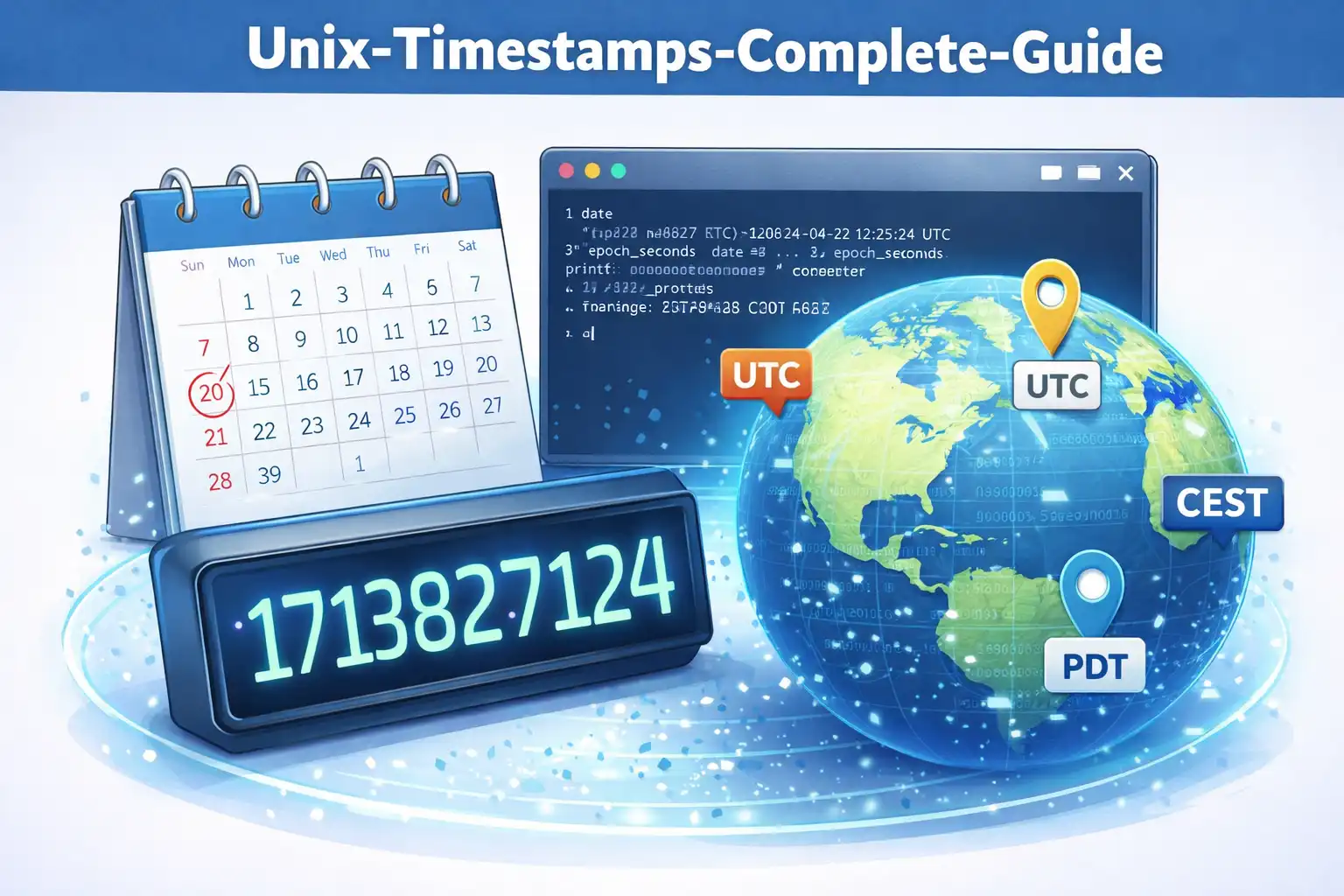
Table of Contents
If you have ever worked with databases, APIs, or log files, you have almost certainly encountered Unix timestamps. These seemingly random large numbers are actually one of the most elegant solutions in computing for representing time. This guide explains everything you need to know about Unix timestamps, from the basics to the edge cases that catch even experienced developers.
1. What Is a Unix Timestamp?
A Unix timestamp (also called epoch time, POSIX time, or Unix time) is a way of tracking time as a single number. Specifically, it is the number of seconds that have elapsed since January 1, 1970, at 00:00:00 UTC. This moment in time is called "the epoch."
For example, the Unix timestamp 1709164800 represents February 29, 2024, at 00:00:00 UTC. The timestamp 0 represents the epoch itself: January 1, 1970, at midnight UTC. Negative timestamps represent dates before the epoch, so -86400 represents December 31, 1969.
The beauty of this system is its simplicity. Instead of dealing with years, months, days, hours, minutes, and seconds as separate values, you have a single integer that uniquely identifies any moment in time. This makes time calculations trivially simple: to find the difference between two moments, you just subtract one timestamp from another.
2. The Epoch: January 1, 1970
Why January 1, 1970? The choice was practical rather than arbitrary. Unix, the operating system family that gives Unix time its name, was being developed at Bell Labs in the late 1960s. The original Unix time system used a 32-bit counter that incremented every 60th of a second, starting from January 1, 1971. This was later changed to count whole seconds from January 1, 1970, which provided a convenient round number that was recent enough to be useful but early enough to cover the computing era.
The epoch serves as a universal reference point. Every system that uses Unix timestamps agrees on this starting point, which means a timestamp has the same meaning regardless of where in the world it is generated or read. The timestamp 1700000000 means exactly the same thing to a server in Tokyo, a laptop in London, and a phone in New York.
3. How Timestamps Work in Practice
In practical terms, Unix timestamps appear everywhere in software development:
- Databases: Many databases store dates and times as Unix timestamps because they are compact (a single integer) and efficient to query and sort.
- APIs: REST APIs frequently use timestamps in responses, especially for creation dates, modification dates, and expiration times.
- Log files: Server logs often record events with Unix timestamps for precise, unambiguous timing.
- JWT tokens: JSON Web Tokens use Unix timestamps for the
iat(issued at),exp(expiration), andnbf(not before) claims. - File systems: Operating systems store file creation and modification times as timestamps.
Here is what the current Unix timestamp looks like in different programming languages:
// JavaScript
const now = Math.floor(Date.now() / 1000);

// Python
import time
now = int(time.time())

// PHP
$now = time();

// Java
long now = System.currentTimeMillis() / 1000;

// C
time_t now = time(NULL);
Notice that JavaScript's Date.now() returns milliseconds, so you need to divide by 1000 to get the standard Unix timestamp in seconds. This is a common source of bugs when working across different languages.
4. Converting Between Timestamps and Dates
Converting a Unix timestamp to a human-readable date is a fundamental operation. Here is how it works conceptually:
- Start with the epoch: January 1, 1970, 00:00:00 UTC
- Add the timestamp value in seconds
- The result is the date and time in UTC
For example, to convert 1709164800 to a date:
- 1,709,164,800 seconds = 19,782 days, 12 hours, 0 minutes, 0 seconds
- Adding 19,782 days to January 1, 1970 gives February 29, 2024
In practice, you use built-in language functions rather than manual calculation:
// JavaScript: Timestamp to Date
const date = new Date(1709164800 * 1000);
console.log(date.toISOString());
// Output: "2024-02-29T00:00:00.000Z"

// JavaScript: Date to Timestamp
const timestamp = Math.floor(new Date('2024-02-29').getTime() / 1000);
console.log(timestamp);
// Output: 1709164800
For quick conversions without writing code, tools like Epoch Converter Pro provide instant conversion between timestamps and human-readable dates, with support for over 418 timezones and batch processing of multiple timestamps.
5. Timestamps and Timezones
One of the most important characteristics of Unix timestamps is that they are timezone-independent. A Unix timestamp always represents a specific moment in UTC (Coordinated Universal Time). The timestamp 1709164800 is the same moment in time regardless of whether you are in UTC+5:30 (India), UTC-5 (Eastern US), or UTC+9 (Japan).
This is a crucial advantage. When you store a timestamp in a database, there is no ambiguity about what time it represents. The timestamp 1709164800 always means "February 29, 2024, at 00:00:00 UTC." To display it in a local timezone, you apply the timezone offset at the presentation layer:
// Display the same timestamp in different timezones
const ts = 1709164800;
const date = new Date(ts * 1000);

// UTC: Feb 29, 2024, 00:00:00
console.log(date.toLocaleString('en-US', { timeZone: 'UTC' }));

// IST (UTC+5:30): Feb 29, 2024, 05:30:00
console.log(date.toLocaleString('en-US', { timeZone: 'Asia/Kolkata' }));

// EST (UTC-5): Feb 28, 2024, 19:00:00
console.log(date.toLocaleString('en-US', { timeZone: 'America/New_York' }));Always store timestamps in UTC. Convert to local time only when displaying to the user. This prevents timezone-related bugs and makes it easy to work with users across different regions.
6. Common Pitfalls and How to Avoid Them
Even experienced developers encounter these common timestamp-related issues:
Seconds vs. Milliseconds: JavaScript, Java, and some other languages use milliseconds since the epoch, while Unix traditionally uses seconds. A timestamp of 1709164800000 (milliseconds) is very different from 1709164800 (seconds). Always verify which unit your system uses.
32-bit vs. 64-bit: A 32-bit signed integer can only represent timestamps up to January 19, 2038. If your system uses 32-bit timestamps, you need to plan for this limitation (more on this below).
Daylight Saving Time: Since timestamps are in UTC, they are not affected by DST transitions. However, when converting a timestamp to local time, you must account for whether DST is in effect at that moment. Most programming languages handle this correctly through their timezone libraries, but custom implementations often get it wrong.
Leap seconds: Unix time does not account for leap seconds. This means that UTC and Unix time can differ by a small number of seconds. For most applications this is irrelevant, but for scientific or precision timing applications, it matters.
Negative timestamps: Dates before January 1, 1970, are represented as negative numbers. Not all systems handle negative timestamps correctly, so test thoroughly if your application needs to work with historical dates.
7. The Year 2038 Problem
The Year 2038 problem (also called the Y2K38 bug or the Epochalypse) is a real concern for systems that store Unix timestamps as 32-bit signed integers. A 32-bit signed integer has a maximum value of 2,147,483,647, which corresponds to January 19, 2038, at 03:14:07 UTC.
After this moment, a 32-bit timestamp will overflow and wrap around to a large negative number, which the system will interpret as a date in December 1901. This could cause software failures in any system that has not been updated to use 64-bit timestamps.
The solution is straightforward: use 64-bit integers for timestamps. A 64-bit signed integer can represent dates up to approximately 292 billion years from now, which should be sufficient for any practical application. Most modern operating systems and programming languages have already made this transition, but legacy systems and embedded devices may still be vulnerable.
8. Conclusion
Unix timestamps are one of computing's most practical inventions. A single number that unambiguously represents any moment in time, independent of timezone, calendar system, or locale. Understanding how they work, and being aware of the common pitfalls, is an essential skill for any developer.
Whether you are debugging an API response, working with database records, or building time-sensitive features, timestamps will be part of your daily workflow. Tools like Epoch Converter Pro can make working with timestamps faster and more convenient, with instant conversions and support for hundreds of timezones, all processed entirely in your browser.
Related Articles

Published: December 19, 2025