How to Create ZIP Files Online Without Uploading to a Server
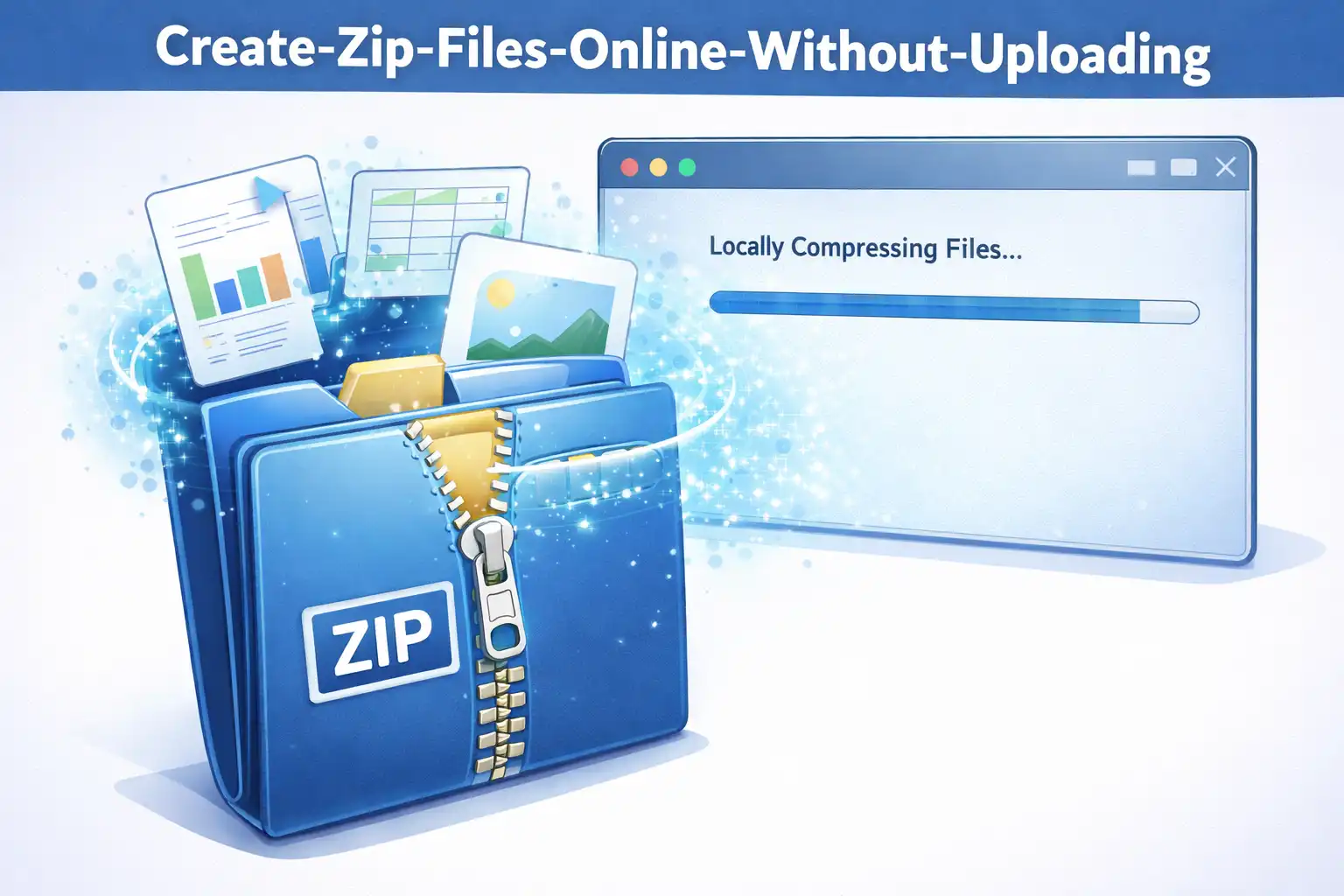
Table of Contents
You need to send someone a collection of files, so you reach for an online ZIP tool. You drag your files onto the page, hit compress, and download the result. Simple, right? But here is the part most people miss: your files were just uploaded to a stranger's server. Every document, photo, and spreadsheet in that collection now exists on a remote computer you have no control over.
There is a better way. Modern browsers are powerful enough to create ZIP archives entirely on your device, without uploading a single byte to any server. This article explains how it works and why it matters.
1. The Problem with Traditional ZIP Tools
Most online ZIP compression tools follow a simple but concerning pattern. When you select files to compress, those files are uploaded to the tool's server. The server compresses them into a ZIP archive, and then you download the result. The entire process requires your files to leave your device and exist on a third-party server.
This creates several risks that most users never think about:
- Data exposure: Your files exist on someone else's server, even if only temporarily. Server operators, system administrators, and potentially hackers all have a window of access to your data.
- No deletion guarantee: When the tool says "files deleted after processing," you have no way to verify this. Backup systems, logging mechanisms, and caching layers may retain copies of your data indefinitely.
- Network interception: As your files travel from your device to the server and back, they pass through multiple network nodes. Without proper encryption at every stage, your data can be intercepted.
- Metadata collection: Even if the tool deletes your files, it may retain metadata such as file names, sizes, types, and timestamps. This metadata alone can reveal sensitive information about your activities.
For personal photos or non-sensitive documents, these risks might seem acceptable. But for business documents, financial records, medical files, or legal documents, uploading to an unknown server is a significant liability.
2. How Browser-Based ZIP Compression Works
Browser-based ZIP tools take a fundamentally different approach. Instead of uploading your files to a server, the tool runs entirely within your web browser using JavaScript. Here is how the process works:
- You visit the tool's website. Your browser downloads the application code (HTML, CSS, JavaScript). This is the only thing that comes from the server.
- You select your files. Using the browser's File API, the tool reads your selected files directly from your local filesystem into your browser's memory. No upload occurs.
- Your browser compresses the files. The JavaScript code implements the DEFLATE compression algorithm (the standard algorithm used in ZIP files) and processes each file locally.
- A ZIP archive is assembled. The compressed file data is combined with the proper ZIP file headers and directory structure, all in local memory.
- You save the result. The completed ZIP file is offered as a download, going directly from your browser's memory to your local filesystem.
At no point during this process do your files leave your device. The server delivered the application code, but it never sees, processes, or stores any of your data.
3. Adding AES-256 Encryption to Your Archives
One of the most powerful features of browser-based ZIP tools is the ability to add AES-256 encryption to your archives. AES-256 is the same encryption standard used by governments and military organizations worldwide. When you create a password-protected ZIP file with AES-256 encryption, the contents are mathematically secured against unauthorized access.
The encryption process happens entirely in your browser using the Web Crypto API, a built-in browser feature specifically designed for cryptographic operations. Here is what happens:
- You provide a password for the archive
- The browser derives an encryption key from your password using a key derivation function
- Each file in the archive is encrypted with AES-256 before being added to the ZIP
- The encrypted archive is saved to your device
Your password never leaves your browser. The encryption key is generated locally and exists only in memory during the operation. Once the ZIP file is created, the key is discarded.
AES-256 encryption is considered unbreakable with current technology. A brute-force attack against a 256-bit key would require more energy than exists in the solar system. The security of your encrypted ZIP file depends entirely on the strength of your password.
4. Step-by-Step: Creating a ZIP File in Your Browser
Using a browser-based ZIP tool like ArchivePro by ZeroDataUpload is straightforward:
- Open the tool in your web browser. No installation or account creation is required.
- Select your files by clicking the upload area or dragging files directly onto the page. Remember, this only reads the files locally and does not upload them anywhere.
- Configure your options. Choose compression level, and optionally set a password for AES-256 encryption.
- Click compress. Your browser processes the files locally. You will see a progress indicator as each file is compressed.
- Download your ZIP file. The completed archive is saved directly to your downloads folder.
The entire process typically takes just a few seconds for most file collections. Since there is no upload or download from a remote server, the speed depends only on your device's processing power.
5. When to Use Browser-Based ZIP Tools
Browser-based ZIP tools are ideal for these scenarios:
- Sensitive documents: Financial records, tax documents, contracts, medical files, and any other confidential material should never be uploaded to unknown servers.
- Business files: Client data, proprietary information, and internal documents benefit from the zero-upload guarantee.
- Personal photos: Keep your private photos private by compressing them locally.
- Quick compression: When you just need a ZIP file quickly and do not want to install software, browser-based tools are the fastest option.
- Shared computers: On a computer where you cannot install software (like a library or workplace computer), browser-based tools provide full functionality without installation.
For extremely large files (multiple gigabytes), desktop software may still be more practical due to browser memory limitations. But for the vast majority of everyday file compression needs, browser-based tools are faster, more private, and more convenient than traditional alternatives.
6. Conclusion
Creating ZIP files online does not have to mean giving up your privacy. Browser-based compression tools prove that powerful file operations can happen entirely on your device, with zero data uploads and military-grade encryption available at no cost.
The next time you need to compress files, consider whether the tool you are using is actually uploading your data to a server. If it is, there is a better way. Client-side ZIP tools give you the same functionality with the guarantee that your files never leave your control.
Related Articles

Published: December 12, 2025