What Is Client-Side Processing and Why Does It Protect Your Privacy?
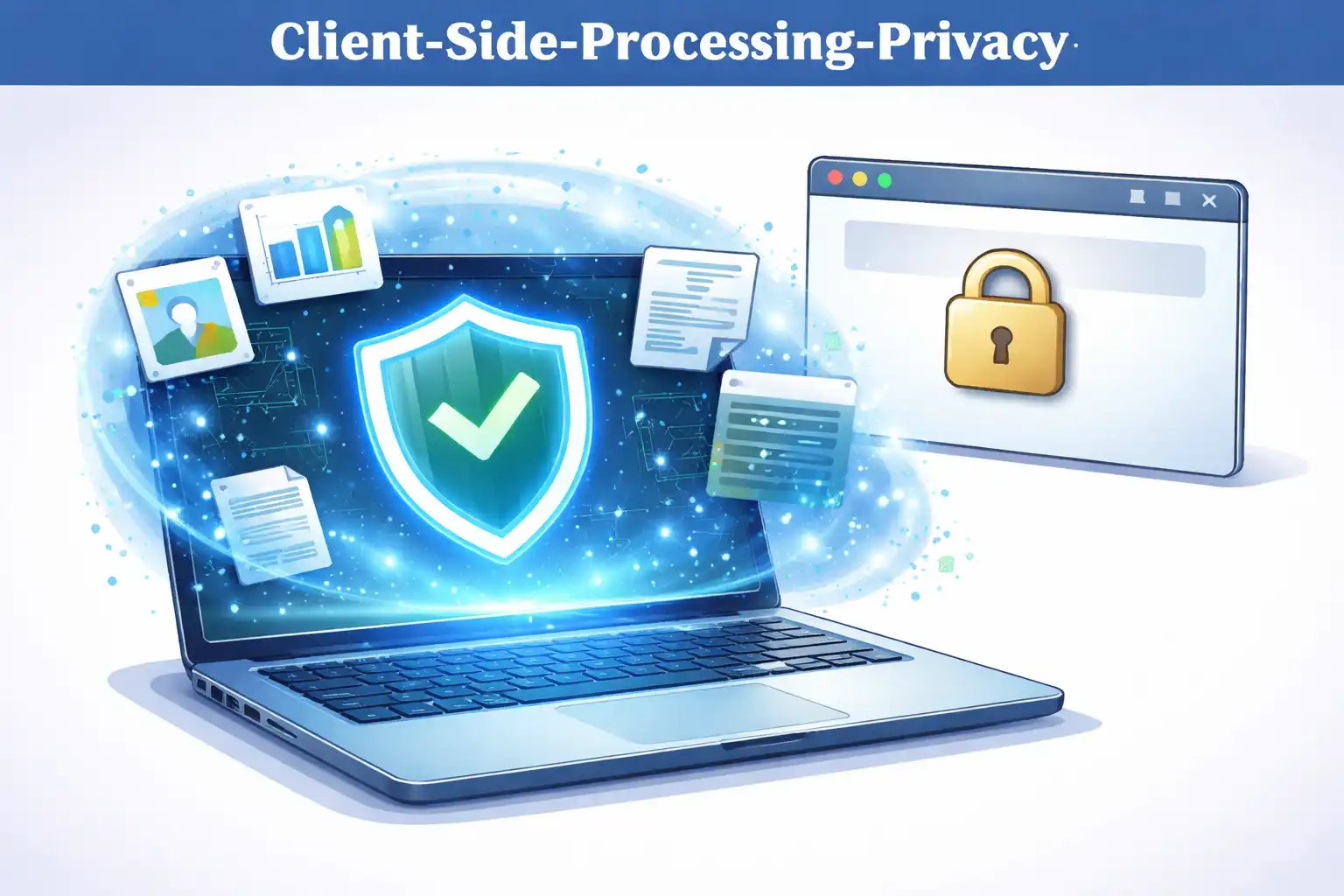
Table of Contents
I will be honest -- the first time I really thought about where my data goes when I use an online tool, it made me uncomfortable. I had been uploading files to random websites for years without a second thought. Convert a PDF here, compress an image there. It never occurred to me that every one of those files was sitting on someone else's server.
Every time you use an online tool to convert a file, compress an image, or generate a password, you face a quiet choice. Do you trust a remote server with your data, or do you keep everything on your own device? Client-side processing makes the second option possible, and it is quickly becoming the go-to approach for privacy-conscious web applications.
1. What Is Client-Side Processing?
Client-side processing means that all computation happens directly in your web browser, on your own computer or phone. When you open a website that uses client-side processing, the site sends you the application code (HTML, CSS, and JavaScript), and then your browser executes that code locally. Your files, your data, and your inputs never leave your device. That last part is worth repeating because it is the whole point.
This is fundamentally different from how most web applications work. Think about it -- when you upload a file to an online tool, that file travels across the internet to a remote server. The server processes your file, and then sends the result back to you. During this process, your data exists on someone else's computer, potentially stored, logged, or even shared without your knowledge.
With client-side processing, the server's only job is to deliver the application code to your browser. After that, your browser does all the work. The server never sees your data because your data never leaves your device.
2. Server-Side vs. Client-Side: How They Differ
To understand why client-side processing matters for privacy, it helps to compare the two approaches directly.
Server-side processing follows this flow: you upload data to a server, the server processes it, and the server returns the result. During this process, the server has full access to your data. It can store it, analyze it, or share it with third parties. Even if the service pinky-promises not to do these things, you have no way to verify that. Your data is out of your hands the moment it leaves your browser.
Client-side processing works differently: the server sends you the application code, your browser processes your data locally, and the result appears on your screen. The server never receives your data. There is nothing to store, nothing to log, and nothing to leak. Here is what I mean: the privacy guarantee is not based on a promise but on the architecture itself.
Server-side privacy relies on trust. Client-side privacy relies on architecture. Your data cannot be leaked from a server that never receives it.
3. Why Client-Side Processing Protects Your Privacy
So why should you actually care? The privacy advantages of client-side processing are significant and, honestly, pretty easy to understand once you see them laid out:
- Zero data transmission: Your files and data never travel across the internet. There is no network request carrying your sensitive information, which means there is nothing for attackers to intercept.
- No server storage: Since the server never receives your data, there is nothing to store. This eliminates the risk of data breaches, unauthorized access, or accidental exposure from server-side storage.
- No third-party access: Many online tools share data with analytics providers, advertising networks, or cloud processing services. Client-side tools have no data to share.
- Verifiable privacy: You can open your browser's developer tools and inspect the network traffic. If a tool truly processes everything client-side, you will see no outgoing requests containing your data.
- Compliance by design: Client-side processing inherently satisfies data protection regulations like GDPR and CCPA because no personal data is collected or processed by the service provider.
4. How It Works Under the Hood
Here is something that surprises a lot of people: modern browsers are remarkably powerful computing environments. They are not just for displaying web pages anymore. Browsers support several technologies that make client-side processing possible for genuinely complex tasks:
JavaScript is the primary language for client-side processing. Modern JavaScript engines like V8 (Chrome) and SpiderMonkey (Firefox) are highly optimized and can handle tasks like file parsing, data transformation, and encryption at impressive speeds.
The File API allows web applications to read files from your local filesystem without uploading them. When you select a file in a client-side tool, the browser reads it into memory locally. The file never leaves your device.
The Canvas API enables image manipulation directly in the browser. Operations like resizing, cropping, watermarking, and format conversion all happen in local memory using pixel-level manipulation.
The Web Crypto API provides cryptographic functions like encryption, decryption, hashing, and key generation. This allows tools to implement military-grade encryption (like AES-256) entirely within the browser, without relying on a server.
WebAssembly (Wasm) takes performance even further by allowing compiled code to run in the browser at near-native speed. Complex operations like video encoding, image compression, and file archiving can be performed locally with performance that rivals desktop applications.
// Example: Reading a file client-side with the File API
const fileInput = document.querySelector('input[type="file"]');
fileInput.addEventListener('change', (event) => {
    const file = event.target.files[0];
    const reader = new FileReader();
    reader.onload = (e) => {
        // File data is now in e.target.result
        // Process it entirely in the browser
        processLocally(e.target.result);
    };
    reader.readAsArrayBuffer(file);
});
5. Real-World Applications
Client-side processing is not some theoretical concept that only sounds good in a blog post. It powers a wide range of practical tools that people use every day:
- File compression: Tools like ArchivePro create ZIP archives with AES-256 encryption entirely in your browser. Your files are compressed and encrypted locally, and the resulting archive is saved directly to your device.
- Image editing: Watermarking, resizing, and format conversion can all be done using the Canvas API without any server involvement.
- Password generation: Cryptographically secure random passwords can be generated using the Web Crypto API, ensuring that your generated passwords are never transmitted or stored anywhere.
- Data conversion: Timestamp converters, UUID generators, and format converters all process your input locally and display results immediately.
These applications demonstrate that client-side processing is not just a privacy feature but a practical approach that often delivers better performance than server-based alternatives. Since there is no network round-trip, results appear instantly.
6. Limitations and Considerations
Now, I would be doing you a disservice if I pretended client-side processing is perfect for every use case. It is not. There are some real limitations to be aware of:
- Processing power depends on the device: A high-end laptop will process files faster than an older smartphone. Server-side tools can leverage powerful hardware regardless of the user's device.
- Very large files may be challenging: Processing a 4GB video file in the browser requires significant memory. For extremely large files, server-side processing may be more practical.
- Some operations require external data: Tasks like language translation or AI-based image recognition typically require large models that are impractical to run entirely in the browser.
However, for the vast majority of common tasks -- file compression, image manipulation, password generation, data conversion -- client-side processing is more than capable. In practice, your phone or laptop handles these operations faster than you would expect.
7. Conclusion
Client-side processing represents a real shift in how web applications handle your data. Instead of trusting a remote server with your files and information, you keep everything on your own device. The privacy guarantee comes not from a policy document but from the architecture itself: your data cannot be leaked from a server that never receives it.
As browsers continue to become more powerful and web APIs more capable, the range of tasks that can be performed client-side will only grow. If you care about keeping your data private -- and you probably should -- choosing tools that process everything locally is one of the most practical steps you can take.
At ZeroDataUpload, every tool we build processes your data entirely in your browser. Your files never leave your device, and we have zero access to your data. That is privacy by architecture, not by promise.
Related Articles

Published: December 5, 2025