Picture Puzzle
A digital jigsaw puzzle game with custom images, multiple difficulty levels, and full game tracking
Launch Picture Puzzle →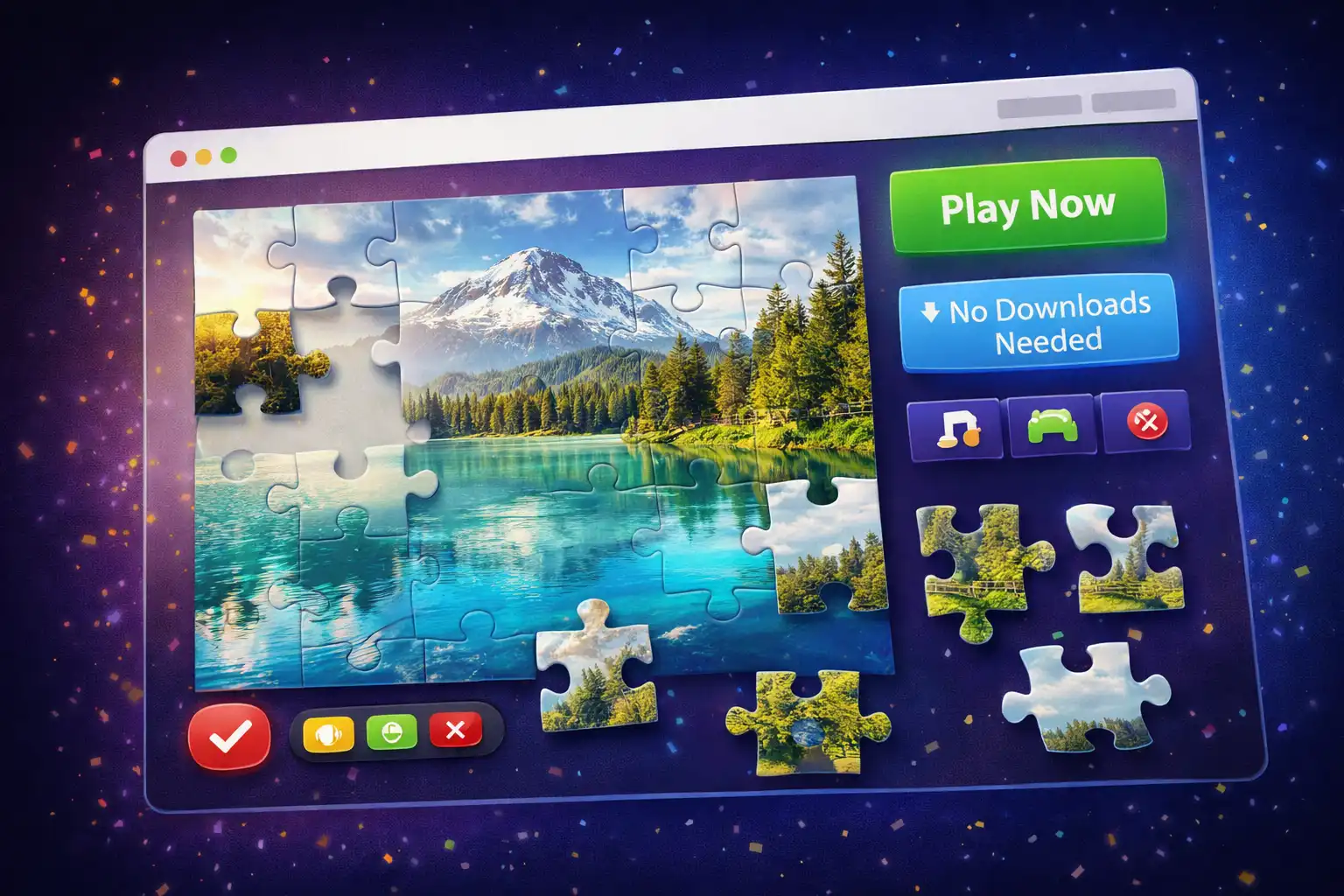
Table of Contents
Overview
Picture Puzzle is a digital jigsaw puzzle game where you rearrange scrambled pieces of an image to recreate the original picture. The app divides an image into a grid of pieces, shuffles them randomly, and challenges you to swap pieces back into their correct positions. It is the classic jigsaw puzzle experience, fully reimagined for the browser with modern controls and game tracking.
The game offers three difficulty levels: Easy (3x3 grid with 9 pieces), Medium (4x4 grid with 16 pieces), and Hard (5x5 grid with 25 pieces). Each puzzle is guaranteed to be solvable because the app uses move-based shuffling from the solved state rather than random placement. You can play with four built-in images or upload your own photos (JPG, PNG, GIF, BMP, WebP, SVG up to 5MB) to create personalized puzzles from family photos, artwork, or anything you choose.
Picture Puzzle supports multiple input methods: drag-and-drop with a mouse on desktop, tap-to-swap and touch-drag on mobile devices, and full keyboard navigation with arrow keys and spacebar for accessibility. The game automatically tracks your time, move count, progress percentage, and hints used. It saves your game state so you can pause and resume later, and maintains a high score leaderboard filtered by difficulty level. No account, no download, and no data ever leaves your device.
Key Features
Three Difficulty Levels
Easy (3x3, 9 pieces) for beginners, Medium (4x4, 16 pieces) for a balanced challenge, and Hard (5x5, 25 pieces) for puzzle experts. Each level uses progressively more random swaps to shuffle.
Custom Image Uploads
Upload your own photos to turn them into puzzles. Supports JPG, JPEG, PNG, GIF, BMP, WebP, and SVG formats up to 5MB. Your images are processed locally and never uploaded to any server.
Visual Placement Feedback
Correctly placed pieces glow with a green border. Selected pieces show a pink outline, and keyboard-focused pieces display a blue outline. These visual cues help you track your progress at a glance.
Save & Resume Games
Pause your game at any time to automatically save your progress. Close the browser and come back later to resume exactly where you left off, with your timer, moves, and hints all preserved.
Hints, Undo & Preview
Get 3 hints per game that highlight correctly placed pieces. Undo up to 10 moves to reverse mistakes (without penalty). Toggle a reference preview image to see the completed puzzle.
High Score Tracking
Your best completion times and move counts are saved locally. Filter scores by difficulty level, and your latest score is highlighted in green. Compete against your own personal bests.
Multiple Control Methods
Drag-and-drop with mouse on desktop, tap-to-swap or touch-drag on mobile, and full keyboard navigation with Tab, Arrow Keys, Space, and Enter. Accessible to all users.
Real-Time Statistics
A live statistics panel displays your elapsed time, total moves made, percentage of pieces in correct positions, and hints used out of the available 3 per game.
How to Use
- Choose Your Difficulty - Select Easy (3x3), Medium (4x4), or Hard (5x5) from the difficulty dropdown. Start with Easy if you are new to the game.
- Select a Puzzle Image - Choose from one of the four built-in images (Landscape, Abstract Art, Nature Scene) or click "Upload Image" to use your own photo.
- Start the Game - Click the "New Game" button. The app will create the puzzle pieces, shuffle them with guaranteed-solvable randomization, and start the timer automatically.
- Swap Pieces to Solve - On desktop, drag one piece over another and release to swap them. On mobile, tap one piece (it gets a pink outline), then tap another piece to swap. On keyboard, use Tab and Arrow Keys to navigate, then Space or Enter to select and swap.
- Use Tools When Stuck - Click "Hint" to highlight correctly placed pieces (3 per game). Click "Undo" to reverse your last move. Click "Preview" to display the completed image as a reference in the corner of the screen.
- Pause and Resume - Click "Pause" to stop the timer and save your game. Click "Resume" to continue. If you close the browser, use the "Resume Game" button when you return to pick up where you left off.
- Complete the Puzzle - When all pieces are in their correct positions (100% progress), the game displays a victory screen with your completion time and move count. Your score is automatically saved to the high scores board.
Frequently Asked Questions
Privacy & Security
Picture Puzzle operates entirely within your web browser. All game logic, image processing, puzzle generation, and score tracking happen locally on your device. When you upload a custom image, it is read directly by your browser and never transmitted to any server. Your game saves, high scores, and settings are stored in your browser's localStorage and remain completely under your control. No account is needed, no data is collected, and no information ever leaves your device.
Ready to try Picture Puzzle? It's free, private, and runs entirely in your browser.
Launch Picture Puzzle →Related

Last Updated: February 28, 2026